Bellator the One Armed Knight
A one-armed boss enemy, modeled, rigged and animated in Blender, then showcased in Unity with a simple boss behaviour.
- My role
- Everything: concept to camera
- Setup
- Solo
- Tools
- Blender, Unity, Cinemachine
Brief & goal
Make a boss-like enemy with a model and animations.
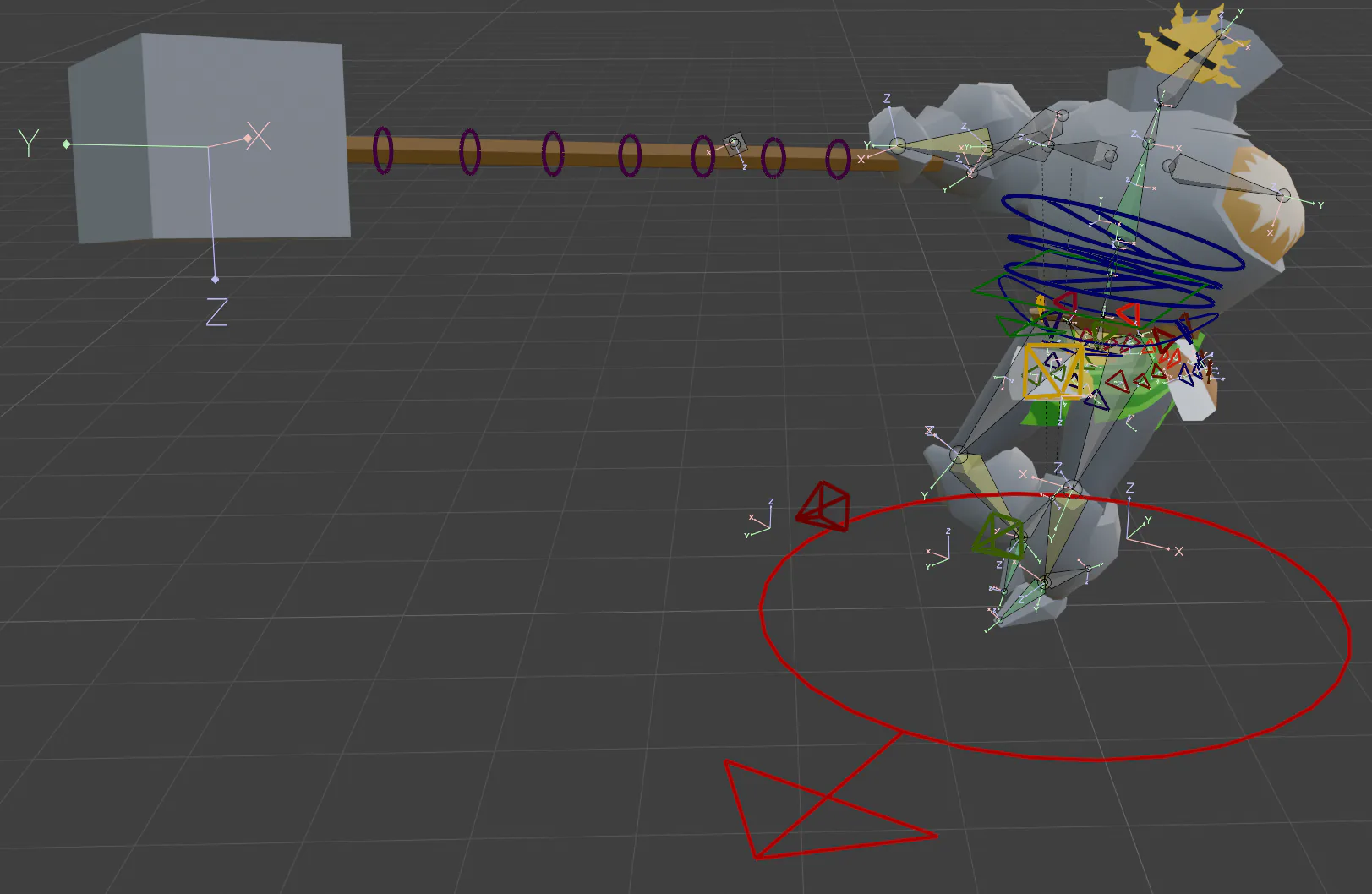
I chose a knight and challenged myself by giving him only one arm, therefore needing to show how his warrior body adapts to this huge weight difference in every single animation.
Design reasoning
I experimented with dynamic constraints to give him a warrior skirt. It shapes his waist and gives his animations more fluidity.
The main focus was giving the hammer as much weight as possible. When walking and running he leans to his right side. His special attack is a swing, for which I studied professional hammer throwers.
Role & collaborators
Solo project. I made every step listed in the process, from the first reference images to sound and camera.
Tools
Process
- 01Reference images
- 02Concept
- 03Modeling
- 04Rigging
- 05Animating
- 06Simple environment
- 07Boss behaviour script to showcase the animations
- 08Effects: trail renderer, smoke
- 09Sound effects
- 10Cinemachine to add weight to movement
Challenges
- Designing every animation around a single arm.
- Selling the weight of the hammer through posture, lean and camera.
What worked
Draft- Reference of professional hammer throwers grounded the special swing in real movement.
- The dynamic skirt adds secondary motion without animating it by hand.
What could have gone better
The main problem was looping issues caused by Damped Track bones. Damped Track is a bone constraint used for tails or cloth physics: it creates natural flow, but if you do not bake the animation it can break the loop. Looping the animation three times and baking the keyframes turned out to be the way to fix it.
I learned how to create seamless loops with Damped Track bone constraints.